Wordpress

How to Set Up a Contact Form Without Coding

By Raney Day Design | May 20, 2026

Here’s something we hear all the time from DIY website owners: “I don’t have a contact form because I don’t know how to set one up.”  If that sounds familiar, you’re in the right place. The good news is, you absolutely do not need to know how to code to…

Tag, You’re It! Master Categories and Tags for SEO Success

By Raney Day Design | October 23, 2024

If you’ve ever worked with WordPress, you’ve probably wondered, “Am I using categories and tags right?”  Don’t worry, you’re not alone!  It’s easy to overlook these little tools, but when used correctly, they can be total game-changers for your site’s organization and SEO.  Whether your blog feels a bit chaotic…

Why You Should Switch to reCAPTCHA V3 Now!

By Raney Day Design | August 7, 2024

Have you ever been frustrated by those annoying “I’m not a robot” checkboxes or puzzling image challenges just to prove you’re human?  We get it!  That’s why we’re here to introduce you to the game-changer in website security: reCAPTCHA V3. Trust us, you’re going to want to make this switch.…

WordPress Pitfalls: Avoid These Auto-Installed Plugins for a Faster, Cleaner Site

By Raney Day Design | June 12, 2024

When starting with WordPress, it’s important to be cautious about certain plugins that may come pre-installed or get automatically installed alongside other plugins. Here are some examples of plugins you should consider avoiding: 1. Hello Dolly Why to avoid: It’s a very simple plugin that displays a random lyric from…
Choosing the Right Theme for Your WordPress Site

By Raney Day Design | April 17, 2024

When it comes to your WordPress site, every click matters. Attention spans are fleeting and first impressions are paramount. We can’t stress this enough: your website’s theme can make or break your online presence. Think of it as the virtual gateway to your brand. Your theme is more than just…

Enhancing Your WordPress Blog with Video Content: Why it Matters and How to Do it Right

By Raney Day Design | April 3, 2024

It’s WordPress Wednesday! Ever wonder how to embed video in your WordPress blog? We’ve got you covered. In fact, all month long in April, Raney Day Design will be giving you tips and tricks about video marketing and how to use it to attract customers and keep them coming back…

WordPress Wednesday Tip: Embedding Videos into a Blog Post

By Raney Day Design | May 12, 2020

You know that using video as part of your social media strategy has been the rage for a few years now. And guess what! Its popularity – and therefore its importance to marketing strategy – has only continued to grow. In fact, it’s beginning to dominate the social media space.…
How to Turn Social Sharing Counts On and Off in Monarch

By Jennifer Sakowski | March 7, 2018

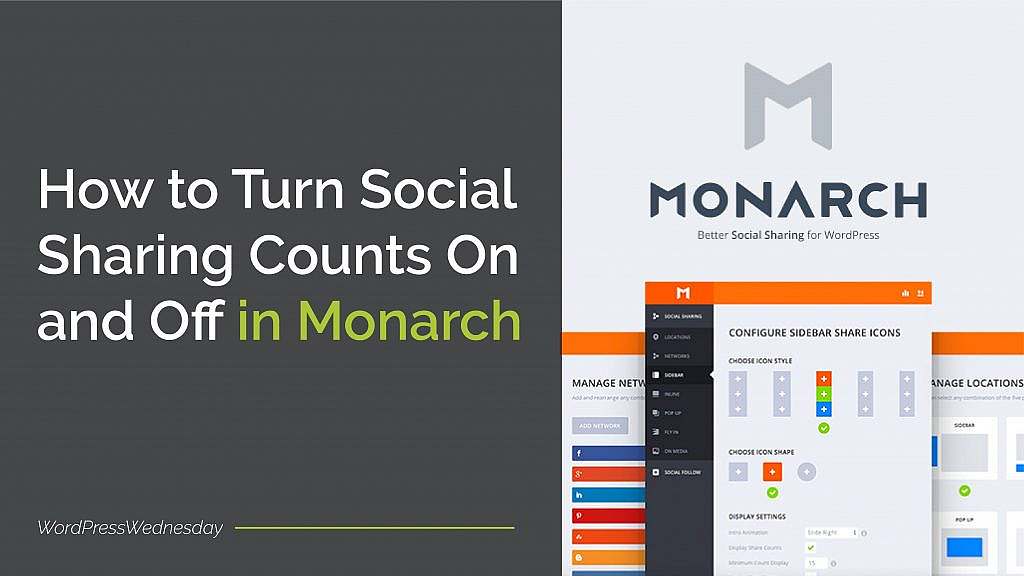
You know that whether you have a personal or business blog, its success largely depends on how many people actually read it. As a result, you make sure you promote it on your social media channels. But are there other ways to grow your blog’s audience? Absolutely! One easy way…
WordPress Wednesday Tip 33: How to Change the Default Timezone in WordPress

By Jennifer Sakowski | January 3, 2018

If you’ve been working with WordPress, you might have noticed that when you post a blog, published a page, respond to a comment, or view a form entry, the time is displayed.  WordPress defaults to Universal Time Coordinated, or UTC. But what if the default time isn’t correct for your…

WordPress Wednesday Tip 32: How to Add a Copyright to the Footer of Your WordPress Site

By Jennifer Sakowski | December 6, 2017

With the end of the year quickly approaching, it’s time to start thinking about changes and updates to your site. One change that you need to make is the copyright in the footer of your site. And in WordPress Wednesday Tip 32, we’re going to show you how to do…