AI is changing the way we create content and your website is no exception.
From writing homepage copy and blog posts to updating old content and creating SEO descriptions, AI can save you time and help you get past the dreaded blank page.
But there’s a catch: AI should help you write your website content, not completely write it for you.
In this post, we’ll look at some of the AI tools available inside WordPress, how you can use AI to create and improve your content, and where you’ll still need the human touch.
What AI Tools Work Inside WordPress?
You don’t necessarily have to leave WordPress to start using AI. Several popular WordPress tools have built AI features directly into their platforms.
Jetpack AI Assistant
If you’re already using Jetpack, you may have access to its AI Assistant. It works right inside the WordPress block editor and can help you write, rewrite, summarize, change the tone of, and translate your content.
For someone who isn’t sure where to start with AI, this can be a convenient option because it’s already built into a tool you may be using.
Elementor AI
If your website is built with Elementor, Elementor AI lets you generate and improve content directly inside the page builder.
You can use it to draft headlines, write paragraphs, create calls-to-action, adjust the tone of your copy, and more — without having to jump back and forth between your website and another AI tool.
Yoast SEO
If you’re using Yoast SEO, you may also have access to AI-powered features that can help with your search engine optimization. AI can assist with things like generating SEO titles and meta descriptions, giving you a starting point for the snippets that appear in search results.
And if you’re already using Yoast, there’s no need to add another SEO plugin just because it offers AI features. Use the tools that make sense for your existing website setup.
A quick note about cost: Many WordPress AI tools offer a limited free version or trial, which is a great way to test them out. However, regular or heavier use may require a paid subscription once you reach the free usage limits. Pricing and features can change, so check the current plans before committing to another monthly subscription.
How to Use AI to Write Your Homepage Copy

Your homepage is often one of the hardest pages on your website to write.
How do you explain what you do, who you help, and why someone should choose you — all without writing a novel?
AI can help you get past the blank-page problem.
Here’s a simple process:
Step 1: Choose your AI tool.
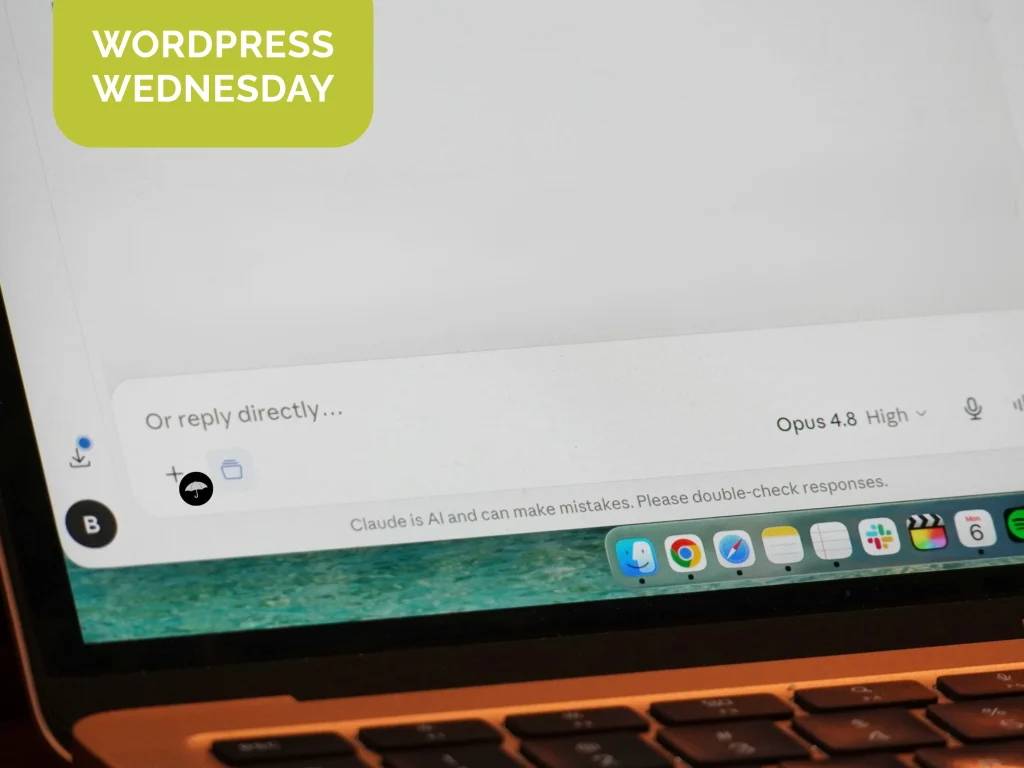
You can use an AI feature built into WordPress or a standalone tool such as ChatGPT or Claude.
Step 2: Give it a specific prompt.
The more information you provide, the more useful the response will be.
For example:
“Write a friendly homepage introduction for a small bakery in Pittsburgh. We specialize in custom cakes and gluten-free options. Our customers are families planning birthdays and special events. We want the tone to feel warm, welcoming, and personal.”
Step 3: Treat the result as a first draft.
Don’t copy and paste the response straight onto your website.
AI can give you a starting point, but the first version probably won’t sound exactly like you.
Step 4: Make it yours.
Add specific details about your business. Replace generic phrases. Include your personality. Talk about the things your customers actually care about.
This is where your expertise matters most.
Step 5: Read it out loud.
Seriously.
If you wouldn’t say it to an actual customer, change it. Your website should sound like your business — not like a robot wrote it.
Pro tip: Don’t just tell AI to “write my homepage.” Tell it who your customers are, what problem you solve, what makes your business different, and what action you want visitors to take.
The better the information you give AI, the better the starting point will be.
How to Use AI to Improve Existing Content
AI isn’t just useful when you’re starting from scratch. It can also be a great tool for improving content you’ve already written.
Rewrite Old Blog Posts
Have a blog post that’s several years old and feeling a little stale?
Instead of starting over, give it to an AI tool and ask for help making it more conversational, easier to read, or better organized.
You can also ask AI to identify outdated information, suggest areas that need to be updated, or recommend sections you could expand.
Just remember: AI can help identify what needs attention, but you still need to verify the information yourself.
Generate Meta Descriptions and Page Titles
Meta descriptions and SEO titles are easy to overlook — especially when you’re building your own website.
AI can help you create a starting point for these short pieces of search-focused copy. If you’re using Yoast SEO, you can also take advantage of its available AI features to speed up the process.
You should still review the suggestions to make sure they’re accurate, relevant, and actually encourage someone to click.
Repurpose Content Across Your Website
Already have a great About page? Don’t let all that good content live in one place.
You can ask AI to turn it into a shorter bio, create a brief introduction for another page, pull out key talking points, or suggest a tagline for your homepage.
The goal isn’t to say the exact same thing everywhere. It’s to make better use of content you’ve already created.
Working smarter, not harder. We like it.
What AI Can’t Do (And Why You Still Need a Human Touch)
AI is a powerful assistant. But it doesn’t know your business the way you do.
That’s why the best website content usually isn’t completely AI-generated. It’s AI-assisted and human-edited.
Here’s where AI still needs some help:
It Doesn’t Know Your Business
AI can write about almost any industry, but it doesn’t automatically know your story, your customers, your experience, or the little things that make your business different.
You do.
Give AI that information, and you’ll get much better results.
It Can Get Things Wrong
AI can sometimes provide inaccurate, outdated, or completely made-up information.
That’s why you should always fact-check important claims, statistics, dates, product information, and anything else that needs to be accurate before publishing it.
Don’t assume something is true just because AI said it confidently.
It Can Sound Generic
You’ve probably seen it before: perfectly polished copy that somehow says absolutely nothing.
Phrases like “we’re passionate about helping our customers achieve their goals” aren’t necessarily wrong — but they’re not particularly memorable either.
Your personality, experience, opinions, stories, and specific examples are what make your content sound like you.
It Can’t Replace Good Website Design
Even the best website copy won’t fix a website that’s confusing, difficult to navigate, or poorly designed.
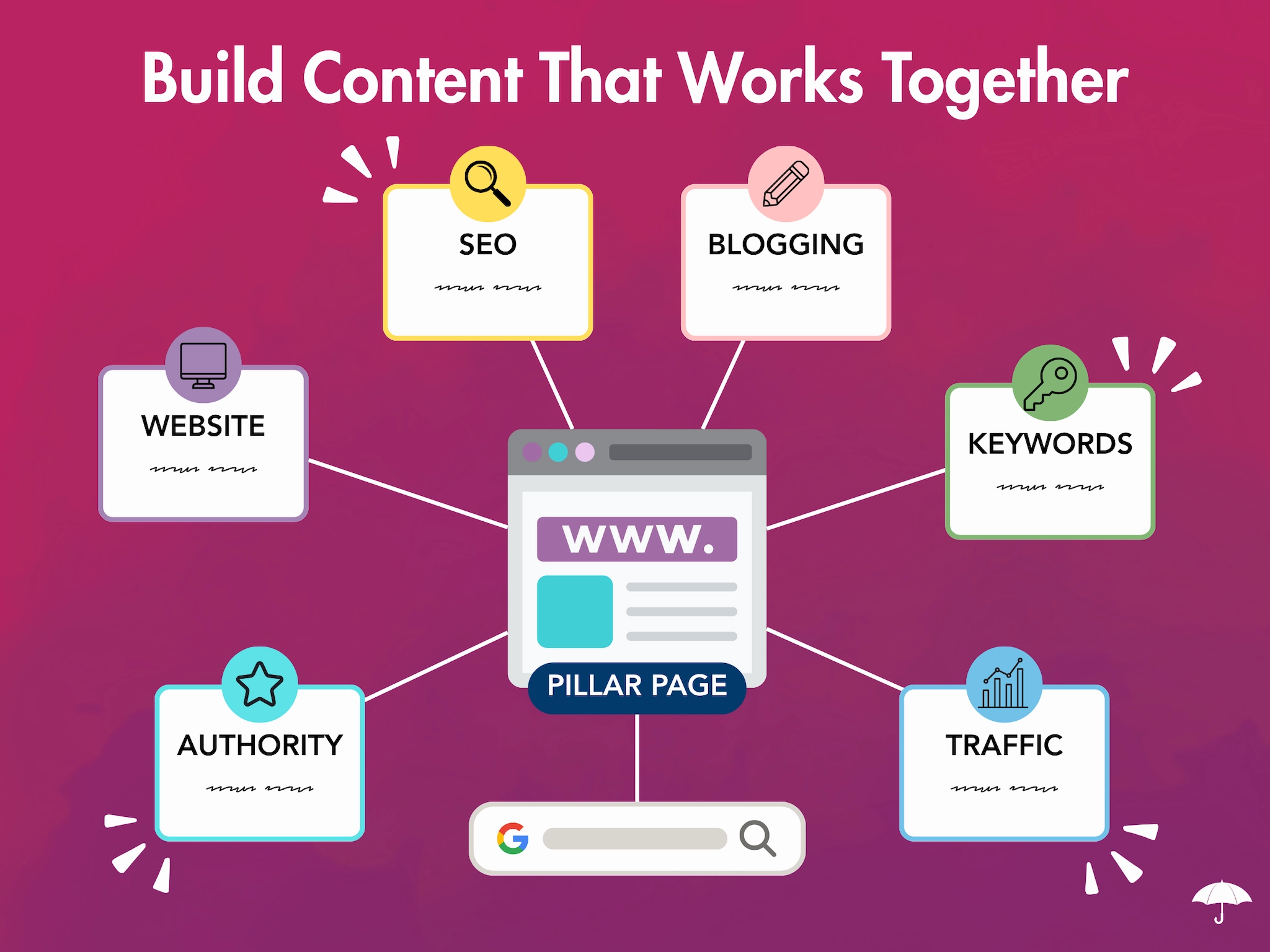
Your content needs to work together with your site’s structure, design, user experience, SEO, and calls-to-action. Good website design isn’t just about making a site look good — it’s about making it work for the people visiting it.
That’s where strategy comes in.
Need help putting it all together?
AI can absolutely make creating website content easier.
It can help you get started when you’re stuck, speed up repetitive tasks, improve existing content, and take some of the stress out of maintaining your website.
But AI is a tool — not a replacement for strategy, expertise, or your unique voice.
At Raney Day Design, we help small business owners build beautiful, effective WordPress websites that do more than just look good. We combine digital marketing, strategy, design, content, and SEO to create websites that help businesses grow.
So go ahead. Let AI help you write.
Just don’t let it write everything.
Ready to take your website to the next level? Let’s chat.