Main Menu


Last time, we talked about organizing your WordPress site with categories. Well, there’s a second option for organizing your content
Both categories and tags allow you to organize your blog content on WordPress, which helps you keep track of your
Today’s WordPress Wednesday is brought to you by the page break block. As always, we like to kick off with
Before we start talking about button blocks, if you don’t already know your way around the WordPress block editor, check
Spacer blocks give a little bit of “elbow room” between two other blocks. (Kind of like your mom sitting between
As always, we deal with first things first! Before we get into how to change the default setting for blog
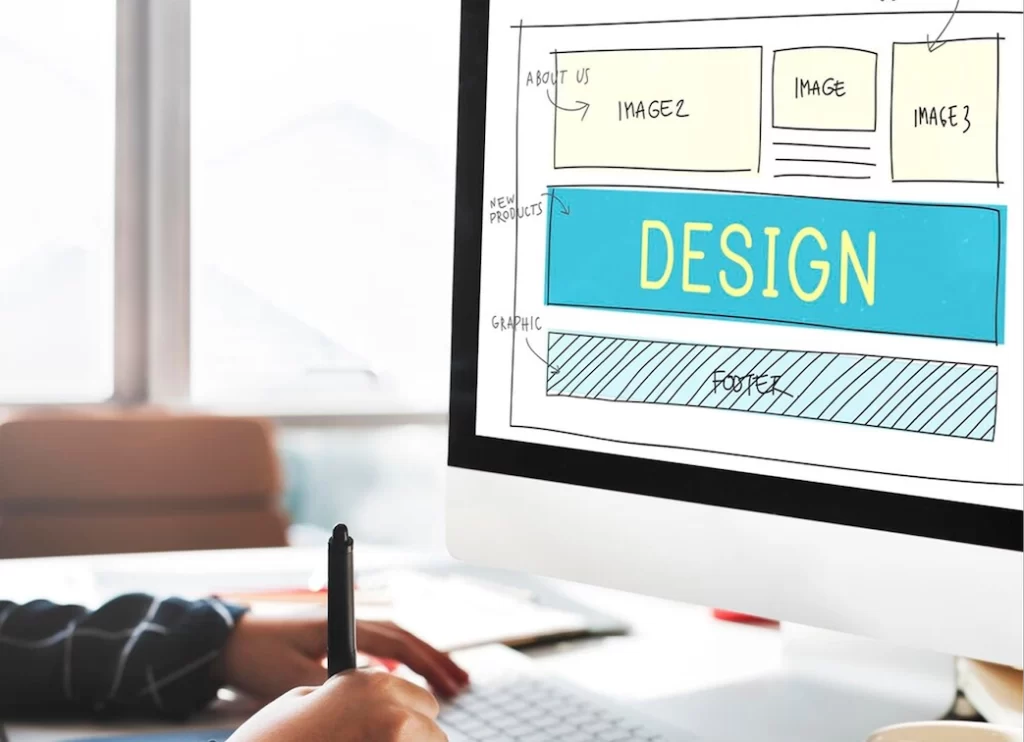
Your Website Needs a Makeover If It’s Not Working for You (or If It’s Cringey) Have you ever encountered one
Getting a 404 message for a broken link is the worst! Learn how to fix broken links on your WordPress website.

There’s a reason we call it a “web address.” Your website is your online location for showcasing your business and