How Often Should You Blog or Post on Social Media?
We know you’re busy juggling a million things, from managing inventory to serving customers with a smile. But there’s one

We know you’re busy juggling a million things, from managing inventory to serving customers with a smile. But there’s one

Have you ever been frustrated by those annoying “I’m not a robot” checkboxes or puzzling image challenges just to prove

When starting with WordPress, it’s important to be cautious about certain plugins that may come pre-installed or get automatically installed
Want to transform your website from basic to brilliant? Say hello to PLUGINS! What is a Plugin? A plugin for
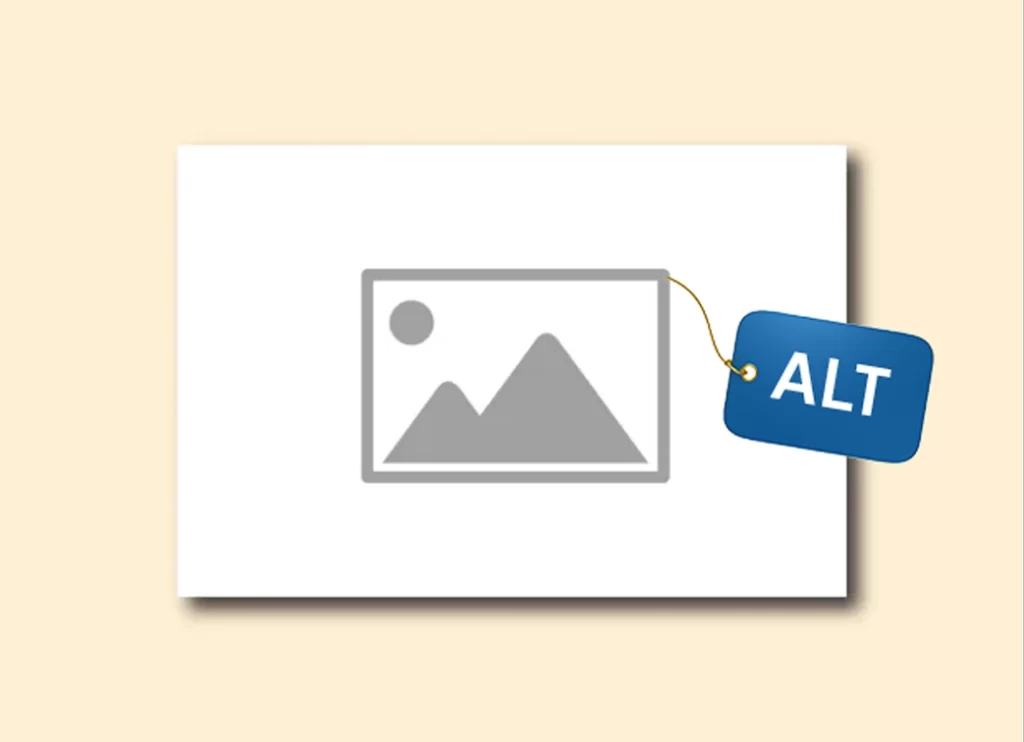
Including images on your webpages and blog posts engages people, breaks up text, and helps to communicate your message. In
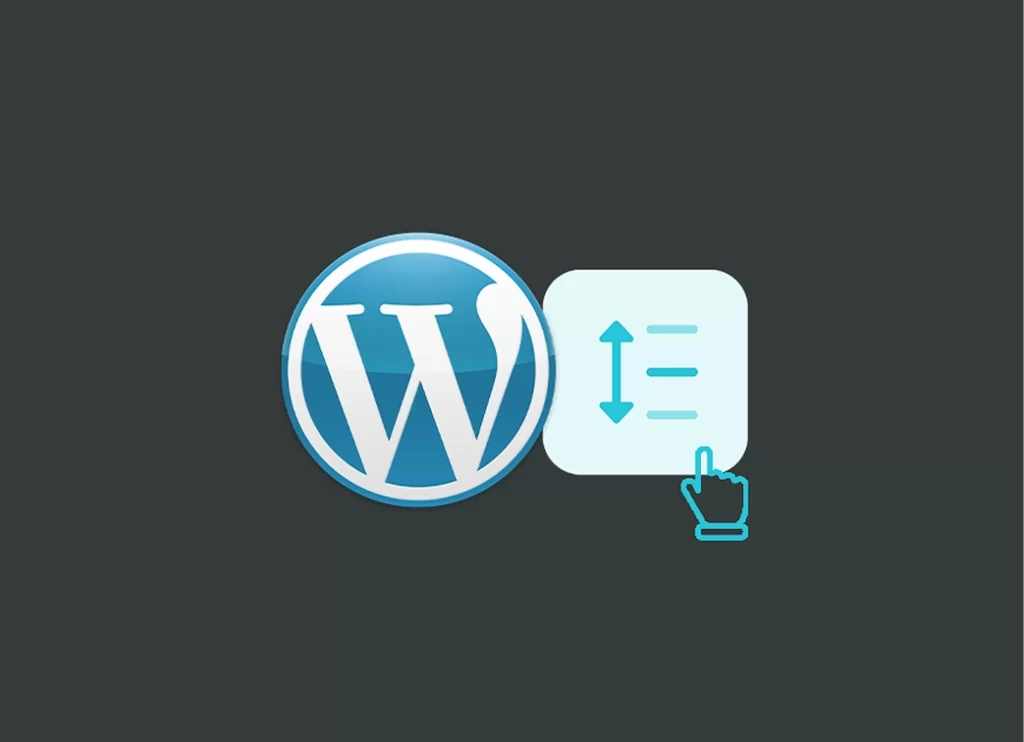
Spacer blocks give a little bit of “elbow room” between two other blocks. (Kind of like your mom sitting between
As always, we deal with first things first! Before we get into how to change the default setting for blog
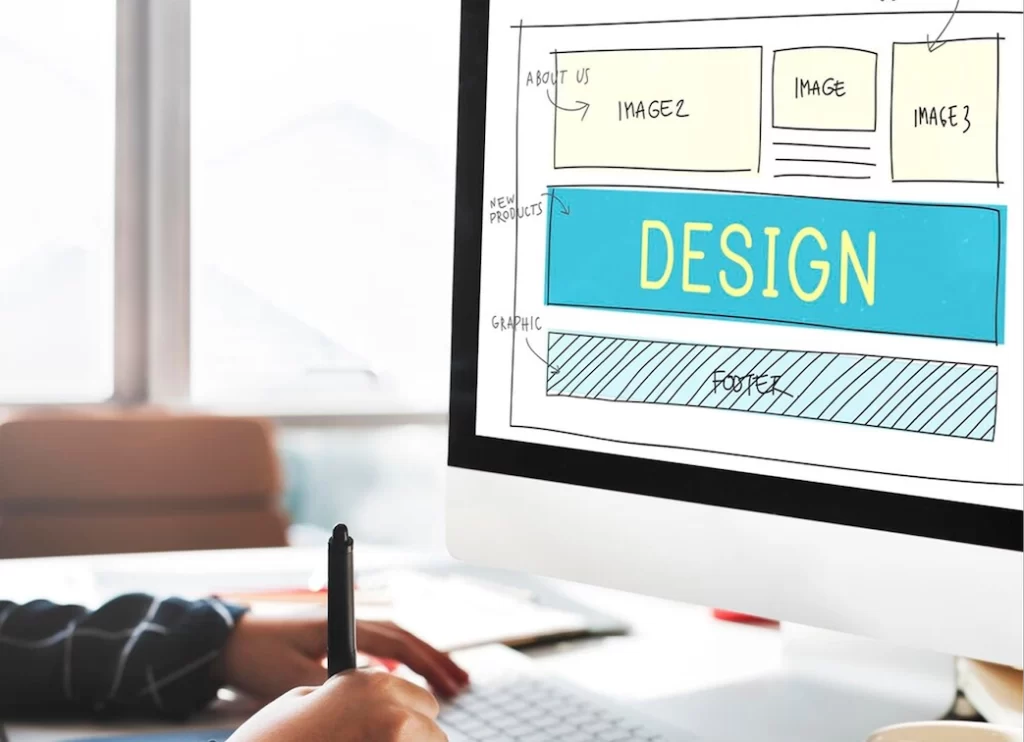
Your Website Needs a Makeover If It’s Not Working for You (or If It’s Cringey) Have you ever encountered one
Getting a 404 message for a broken link is the worst! Learn how to fix broken links on your WordPress website.
Meta descriptions are one of the elements that signal to search engines (think: Google) that your site has what the user is searching for. Therefore, a meta description should persuade users that “this” is the best place to go for the information they are searching for and get them to click on it. Good meta descriptions will help you show up in search results.