
Does My Browser Really Matter for My WordPress Site?
You’ve spent countless hours perfecting your WordPress site. The layout is sleek, your content is on point, and you’re ready

You’ve spent countless hours perfecting your WordPress site. The layout is sleek, your content is on point, and you’re ready
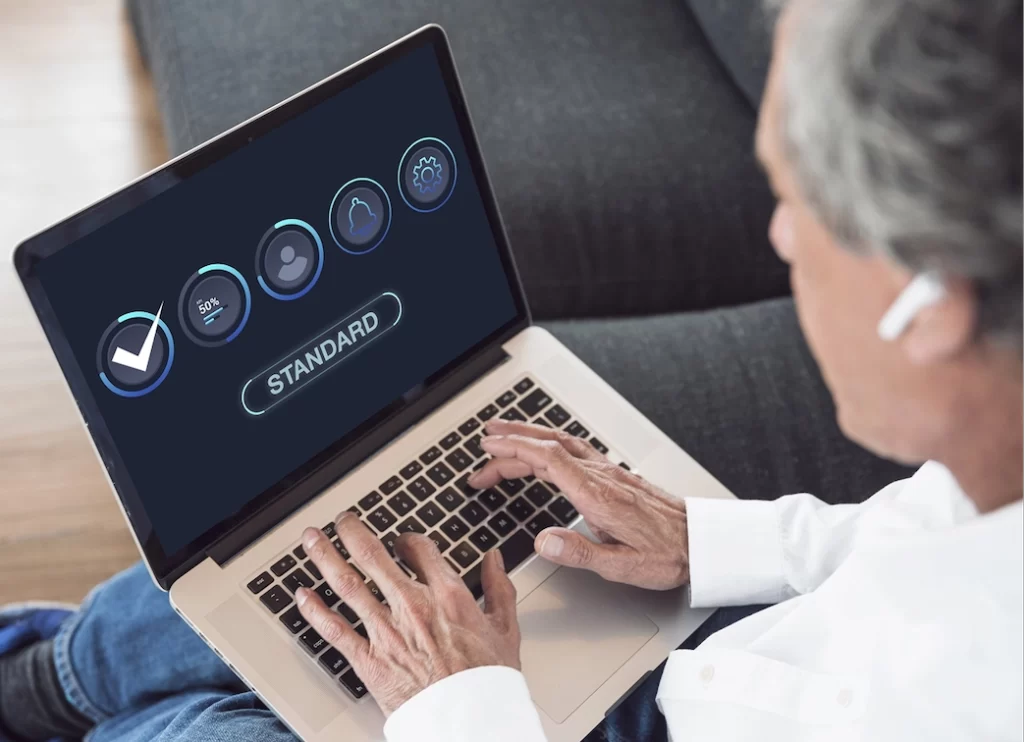
Let’s get real for a second: the internet is full of distractions, and while it might seem like it’s all

If you’ve ever worked with WordPress, you’ve probably wondered, “Am I using categories and tags right?” Don’t worry, you’re not
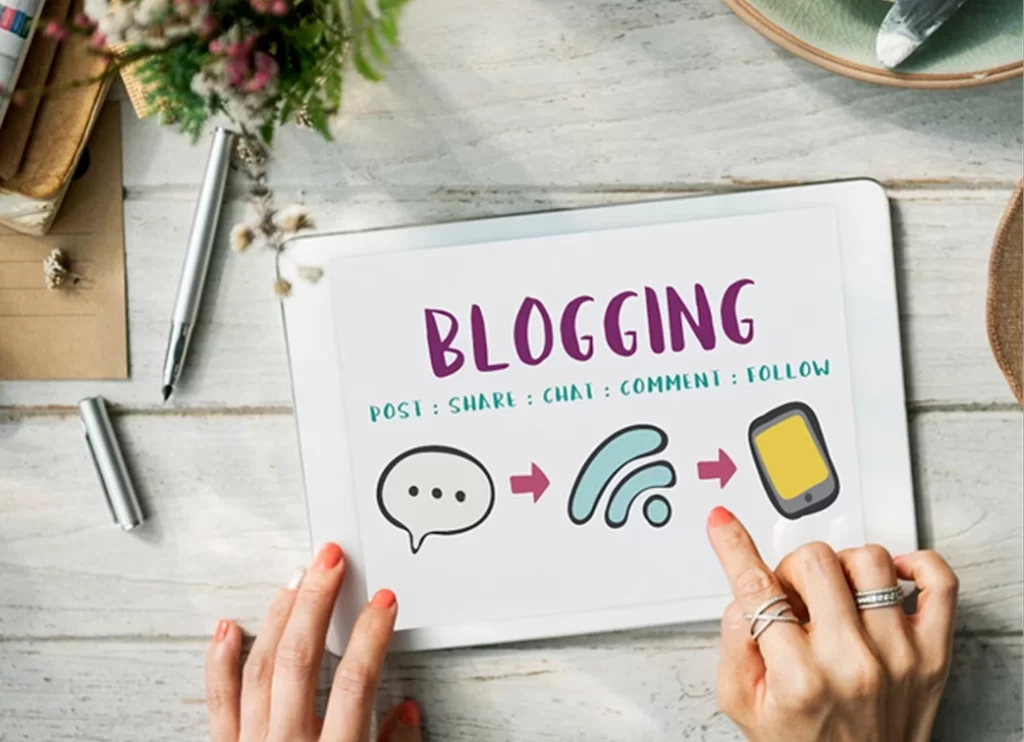
We know you’re busy juggling a million things, from managing inventory to serving customers with a smile. But there’s one
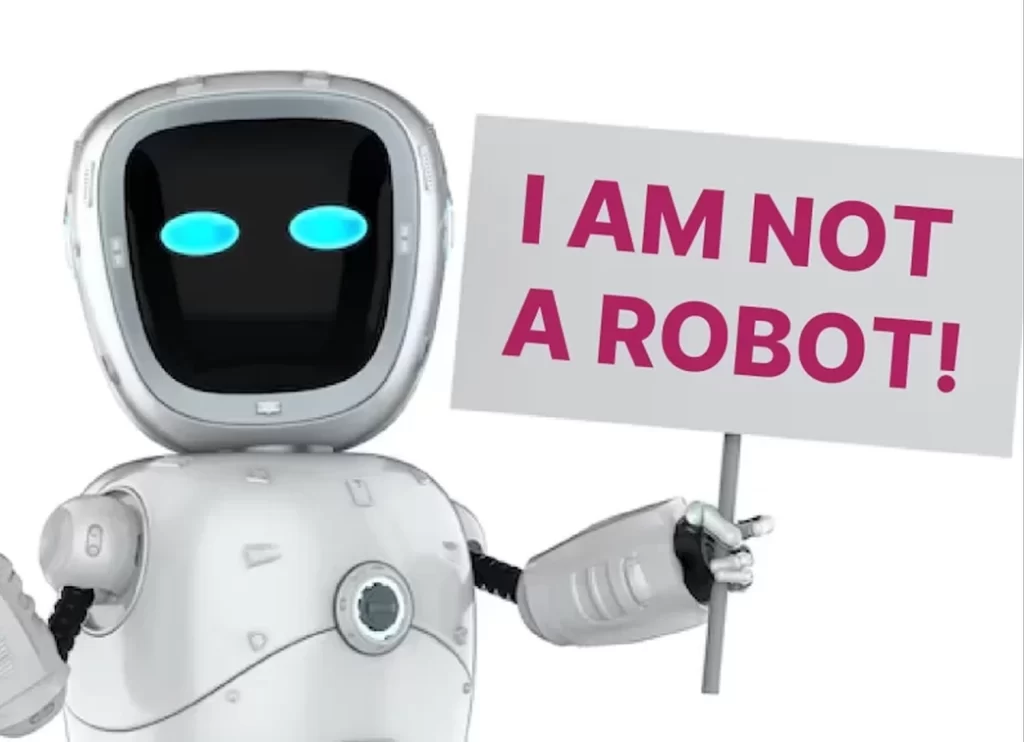
Have you ever been frustrated by those annoying “I’m not a robot” checkboxes or puzzling image challenges just to prove

When starting with WordPress, it’s important to be cautious about certain plugins that may come pre-installed or get automatically installed
When it comes to your WordPress site, every click matters. Attention spans are fleeting and first impressions are paramount. We

It’s WordPress Wednesday! Ever wonder how to embed video in your WordPress blog? We’ve got you covered. In fact, all
Are you still using Gmail or Yahoo for your business email? 📤 Think again! On this WordPress Wednesday, we’re continuing
Want to transform your website from basic to brilliant? Say hello to PLUGINS! What is a Plugin? A plugin for