WordPress

How to Schedule a Blog Post

By Jennifer Sakowski | May 2, 2018

Sometimes you have a blog or post but it’s not quite time for it to go public yet.  Today we are going to teach you how to load that post and to schedule a time for it to post for you automatically.  Let’s get started.   Step 1: Once you…

How to Change Your Website Admin Email Address

By Jennifer Sakowski | April 18, 2018

There are times when you need to change your website’s admin email address.  Maybe you are changing who is in charge or maybe you are just getting too many emails.  Whatever the reason you need to change it but are unsure how. You have come to the right place, and…
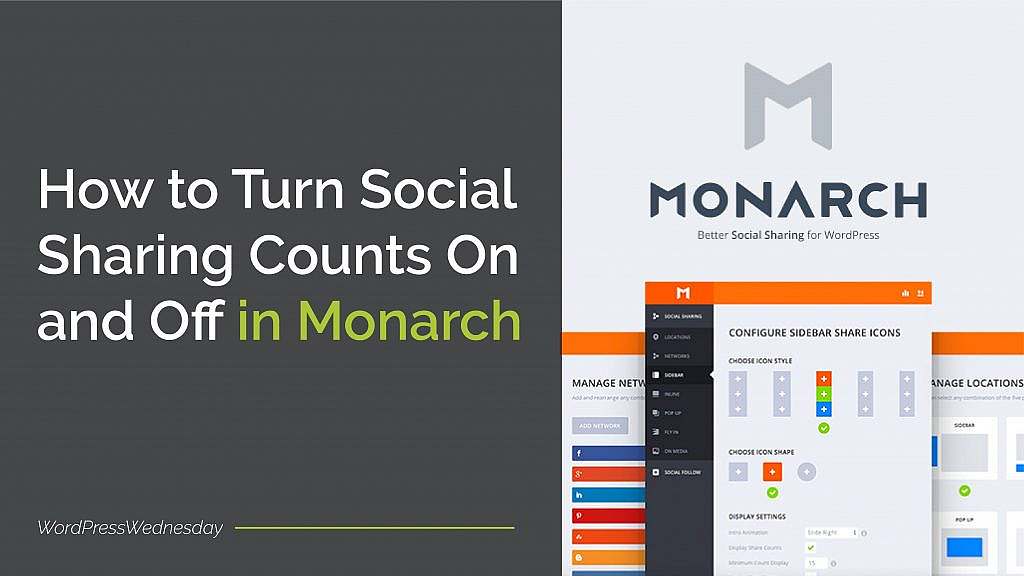
How to Turn Social Sharing Counts On and Off in Monarch

By Jennifer Sakowski | March 7, 2018

You know that whether you have a personal or business blog, its success largely depends on how many people actually read it. As a result, you make sure you promote it on your social media channels. But are there other ways to grow your blog’s audience? Absolutely! One easy way…
WordPress Wednesday 34: How to Set Up Your Gravatar

By Jennifer Sakowski | February 7, 2018

Have you noticed that some people have a photo next to their name when they leave a comment on a website? Sometimes, it’s a picture of the actual person. Or it might be a brand’s logo. Other times, it can be a generic person icon.   These pictures are called…

WordPress Wednesday Tip 33: How to Change the Default Timezone in WordPress

By Jennifer Sakowski | January 3, 2018

If you’ve been working with WordPress, you might have noticed that when you post a blog, published a page, respond to a comment, or view a form entry, the time is displayed.  WordPress defaults to Universal Time Coordinated, or UTC. But what if the default time isn’t correct for your…

WordPress Wednesday Tip 32: How to Add a Copyright to the Footer of Your WordPress Site

By Jennifer Sakowski | December 6, 2017

With the end of the year quickly approaching, it’s time to start thinking about changes and updates to your site. One change that you need to make is the copyright in the footer of your site. And in WordPress Wednesday Tip 32, we’re going to show you how to do…

WordPress Wednesday Tip 31: How to Password Protect a Page in WordPress

By Jennifer Sakowski | November 8, 2017

Have you ever noticed the visibility option in the publishing section of your WordPress pages? Wondering what it’s for and how to use it? Well, you’re in luck because we’re going to tell you about one of WordPress’ nifty features within this option! By default, all of the pages on…

WordPress Wednesday Tip 30: How to Customize Confirmations in Gravity Forms

By Jennifer Sakowski | October 25, 2017

As one of your biggest marketing investments, your website needs to bring you a steady stream of leads.  And forms are one of the easiest ways to achieve this. You probably have at least one on your site already.  (If not, check out WordPress Wednesday Tip 28 and learn how…

How to Link to Part of Page in WordPress

By Jennifer Sakowski | August 2, 2017

Wow! Can you believe it’s been a year since we’ve been sharing our WordPress Wednesday Tips with you? (We sure can’t!) What do you think? Are you finding them helpful? Anyway – in our second tip, we showed you how to add links in any post or page. In that post,…

WordPress Wednesday Tip 24: How to Add Google Analytics to WordPress Without a Plugin

By Jennifer Sakowski | July 5, 2017

One of the most important – and dare we say, fun – parts of launching your WordPress website is keeping track of your site’s performance. Site visits, unique visitors, bounce rate, and other important Key Performance Indicators (KPIs) can be easily tracked by adding Google Analytics onto your WordPress site.…