WordPressWednesday

WordPress Wednesday 23: 12 WordPress Blogging Tutorials

By Jennifer Sakowski | June 21, 2017

a Do you follow us on Twitter? Then you know that this month we’re focusing on how to blog successfully for your business. For this week’s WordPress Wednesday, we thought we’d include all of our WordPress blogging tutorials in one handy post. So without further ado, here is WordPress Wednesday #23: 12 WordPress…

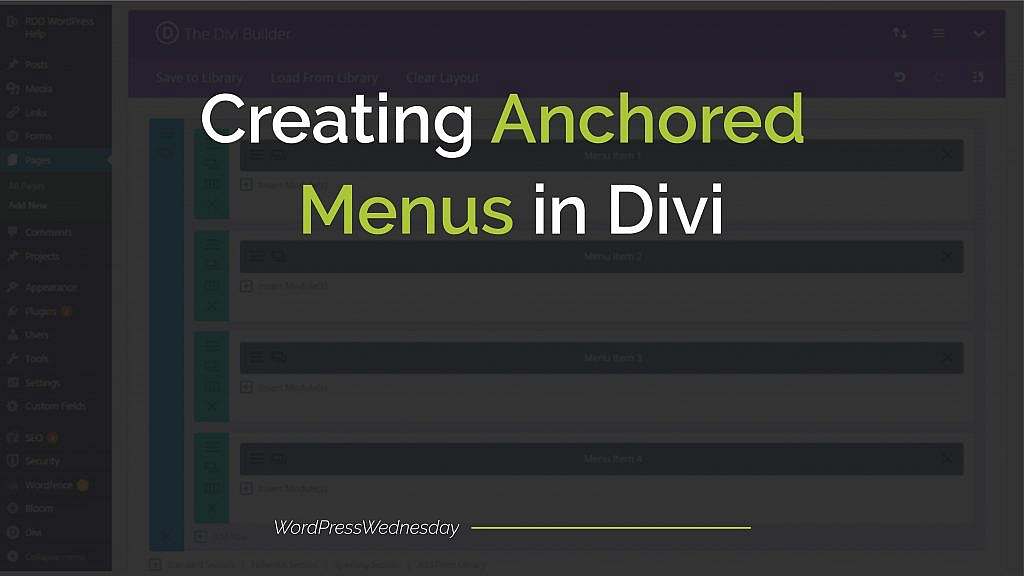
WordPress Wednesday Tip 22: Creating Anchored Menus in Divi

By Raney Day Design | June 7, 2017

When someone visits your website, you want to make sure they have no problem finding what they’re looking for. And having a clear, easy-to-follow navigation menu is key. But what if you only have a one-page site? Is having a menu still necessary? Yes! But not the traditional menu that’s…
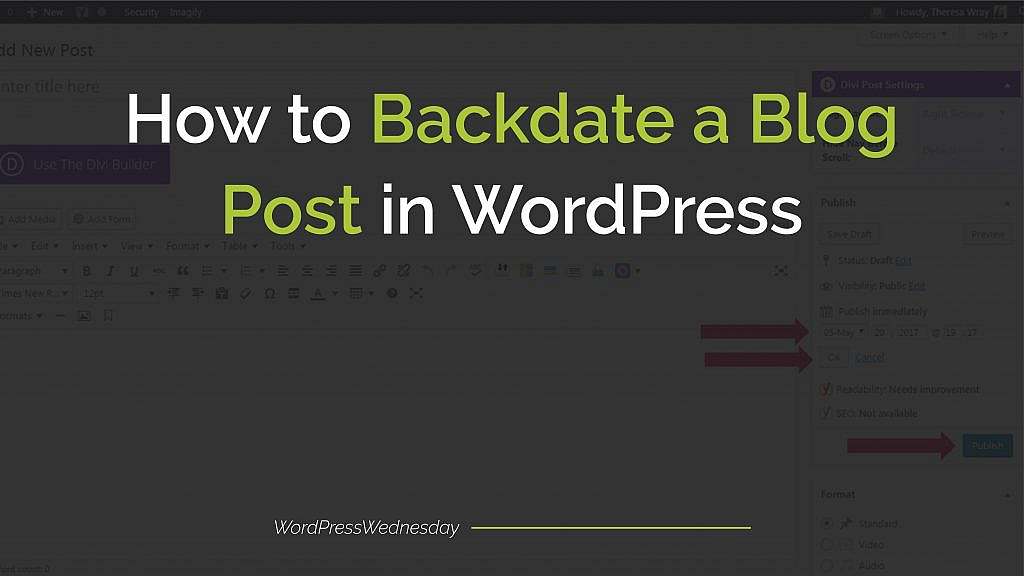
WordPress Wednesday Tip 21: How to Backdate a Blog Post in WordPress

By Raney Day Design | May 24, 2017

Let’s face it. Sometimes life happens and you just weren’t able to get through your {ever growing} To Do List. And despite every intention, you didn’t publish today’s blog post. You’re pretty bummed because you know consistency is the key to growing {and keeping} your audience, improving your SEO score, and…
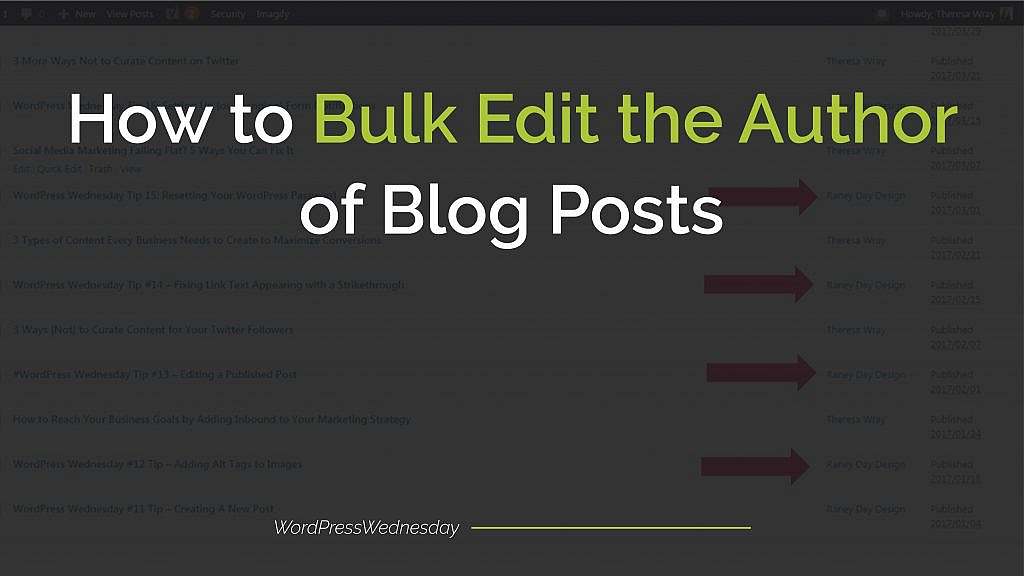
WordPress Wednesday Tip 20: How To Bulk Edit the Author of Blog Posts

By Jennifer Sakowski | May 10, 2017

A few weeks ago, we showed you how to change the author of a blog post. This is great if you only need to change one or two posts, but what if you need to edit several? Manually going into several posts is seriously time-consuming. And if there’s one thing more precious than…
Optimizing Posts for Search Engines with Yoast

By Raney Day Design | April 26, 2017

In a crowded online world, getting your blog posts found on Google is crucial to your business success. Follow along with this week’s WordPress Wednesday Tip and start optimizing posts for search engines with Yoast today! Let’s get started.   #WordPressWednesday Tip 19: Optimizing Posts for Search Engines with Yoast 1.…
WordPress Wednesday Tip 18: Embedding Videos into a Blog Post

By Jennifer Sakowski | April 12, 2017

You know that using video as part of your social media strategy is all the rage this year. But did you know that adding video to your blog posts is a great way to attract, engage, and draw visitors back to your site, too? WordPress Wednesday Tip 18 shows you…
WordPress Wednesday Tip 17: Changing the Author of a Blog Post

By Raney Day Design | March 29, 2017

Have you noticed that the author’s name is published underneath the title of a post in WordPress? This is a great way to create an online presence for the author.  But what if someone else wrote the post and you’re just publishing it for them?  You’re named as the author…

WordPress Wednesday Tip 16: Setting Up {or Changing} Form Notifications

By Jennifer Sakowski | March 15, 2017

Do you have a contact form on your WordPress site? Are you constantly logging in to see if someone submitted a form? Well, that stops today! WordPress has a handy tool that will send you email notifications when someone submits a form! (Hello, Efficiency!) What’s even better? You can send notifications…

WordPress Wednesday Tip 15: Resetting Your WordPress Password

By Jennifer Sakowski | March 1, 2017

As a busy entrepreneur, you make every minute count.  So this morning when you took the kids to library for book circle, you jumped on one of the public computers to work on your next blog.  But once you got home, you realized you forgot to log out of your site.…

Why WordPress Links Show a Strikethrough (And How to Fix It)

By Raney Day Design | February 15, 2017

Have you ever noticed WordPress strikethrough links appearing on your website? At first glance, it can be alarming. You know you didn’t add a strikethrough to the text, and visitors may assume the content is outdated or unavailable. In many cases, this issue is caused by a broken link monitoring…